
Rocky Linux 10 Root Password Reset
Learn how to reset a forgotten root password on Rocky Linux 10. This tutorial covers the GRUB recovery method, password reset steps, and SELinux relabeling to restore full root access to your server or virtual machine.
- Reboot the server.
- When the GRUB menu appears, select the kernel and press “e” to edit.
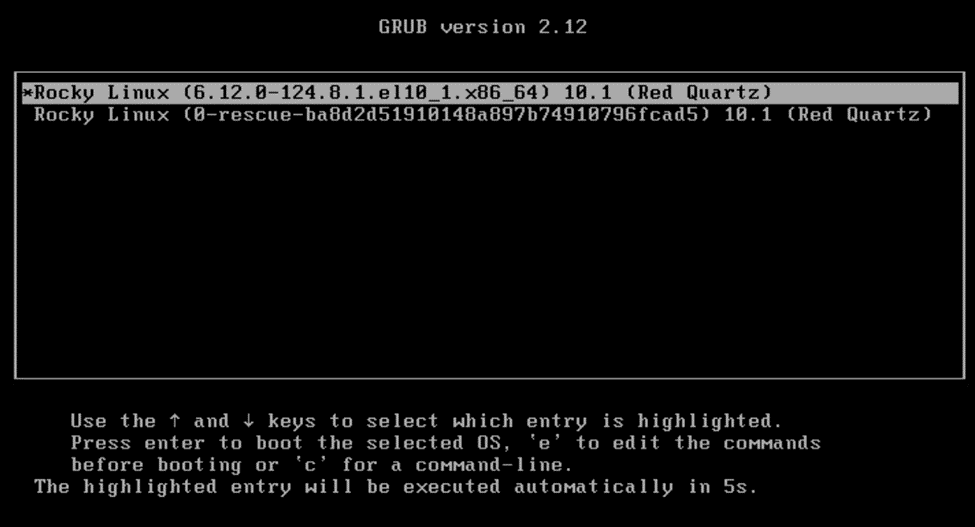
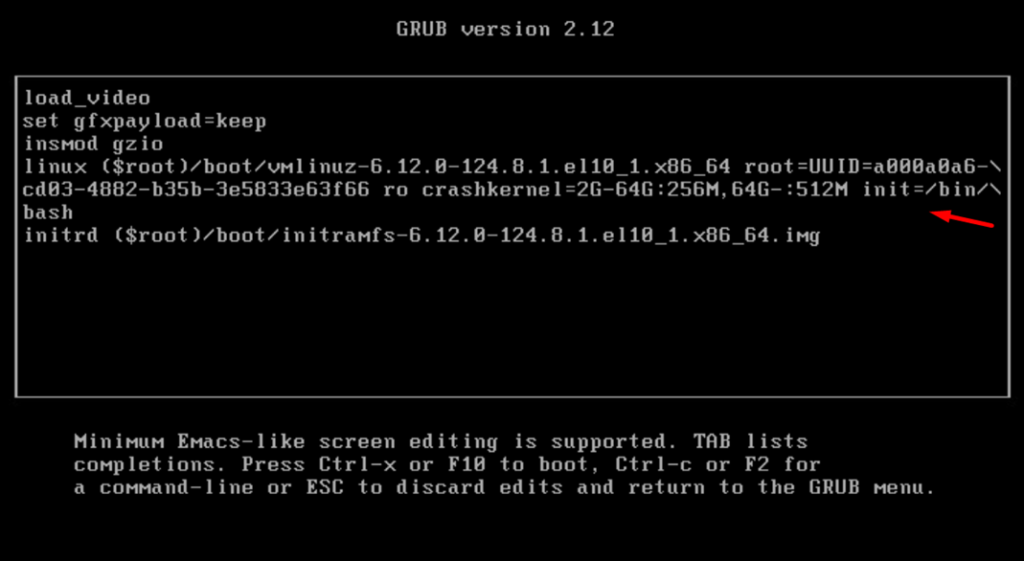
Edit the line that begins with linux and append init=/bin/bash to the end of that line. Then press Ctrl+X to boot.
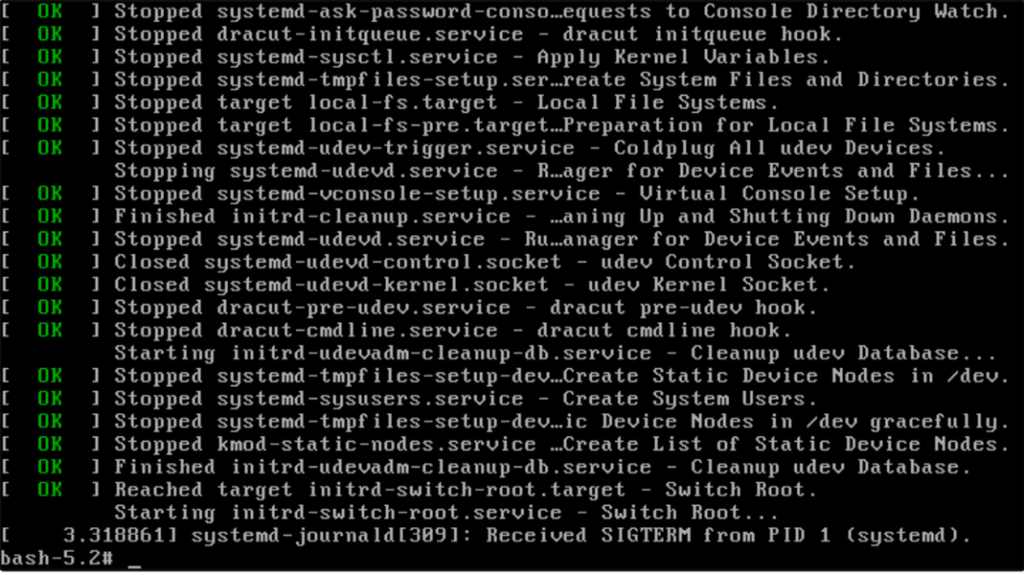
Now you will get this prompt
bash-5.2#
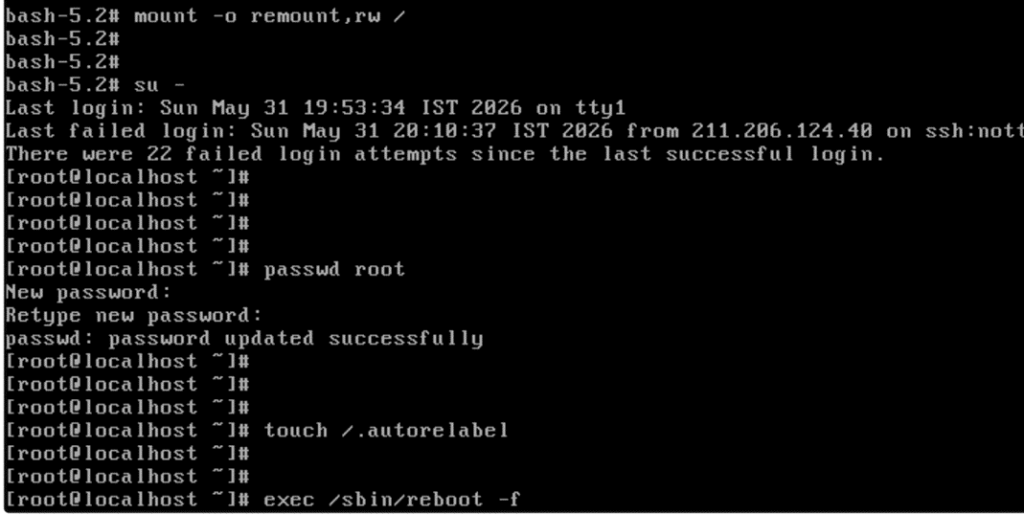
Now run commands:
mount -o remount,rw /
su –
passwd root
touch /.autorelabel
exec /sbin/reboot -f
After system system boot, Login to system
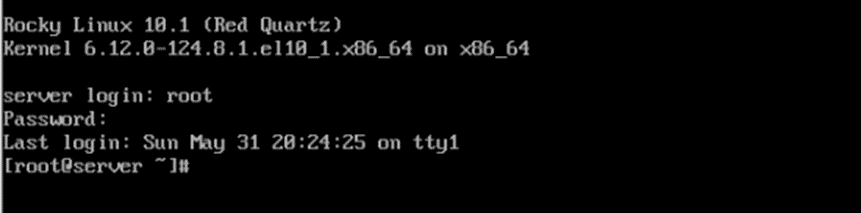
Root password reset completed successfully. The system is now accessible with the new root password.